
How to Search Cases by Name
Open Smart Search and type the most exact spelling you have. Official Portal guidance says a person-name entry goes last name first, then first name. Registration is optional here. Anonymous users can search and view public Hyde County information at this basic level. A common Hyde County name may pull up many cases. The results list can get crowded. Filters come to the rescue. Narrow by location, party, case type, status, or filing date. Do not assume the first hit is your person. Careless matches are easy to make; a filter or two prevents them.
- Open the official Portal and select Smart Search.
- Enter the person’s last name and first name in the documented search format.
- Use Advanced Filtering Options to narrow a broad Hyde County case search.
- Open a public Hyde County match and read its Case Summary, including Case Events and Hearings where shown.
Smart Search stops at 200 results, per the official guidance. A message that 200 results were returned is telling you something. It means the Hyde County search needs more filters, not that the list is complete.
| Field label | Type | Required | Notes |
|---|---|---|---|
| Record number or name | Text | Basic query required | Defaults to case number or party name; a person name uses last name, then first name. |
| Party name or date of birth | Text or filter | Optional | Documented as a party-search filter for narrowing results. |
| Location | Filter or select | Optional | Use the live Portal choices to narrow a Hyde County result. |
| Case type, status, or filing date | Select or date filter | Optional | Official training identifies these criteria without publishing every live choice. |
Portal narrows a public search nicely. When a Hyde case needs a copy, certification, or an in-person look, the Hyde Clerk can point you to the right local file route.
Hyde Portal Search Route
The North Carolina eCourts Portal is the statewide route. It carries every Hyde County public case lookup. Every North Carolina county, including Hyde, runs on the Enterprise Justice and Odyssey case-management environment. Smart Search generates the public Hyde County Case Summary. Some users know it as the Register of Actions. That summary is near-real-time public information. It is not an official Hyde County court record or a certified copy.
The Portal menu offers more than Smart Search. A Hyde County visitor will also find Search Hearings. NC Judgment Search sits there too, along with payment functions where eligible and registration. Registering lets you save public Hyde County cases in My Cases. It grants no access to restricted records. Want the Smart Search layout and its public-access limits? The official North Carolina eCourts Portal and its training materials show what the page itself displays.
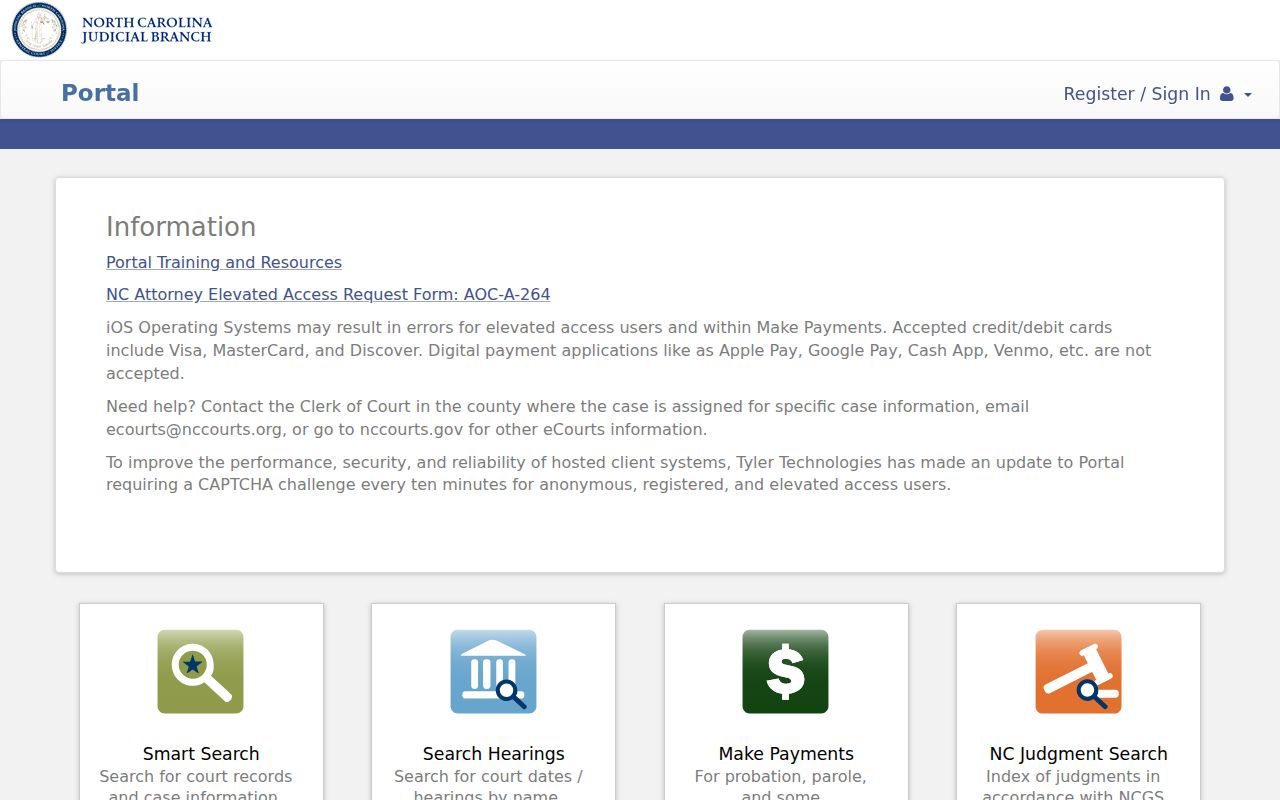
Checking the official Portal first keeps things clear. A current public Hyde County case summary stays separate from any request for a clerk-issued record.
How to Search by Case Number
A complete case number is usually the sharpest Hyde County case-search input you can offer. Official materials describe the Enterprise Justice format piece by piece. It starts with a two-digit year, then case-type letters, a six-digit sequence, and a hyphen with the three-digit county identifier. Hyde's county identifier is 470. Here is the generic structure. It refers to no person and no real case:
YY[case-type]######-470
Copy the Hyde County number exactly. Use it as it appears on a current notice whenever you can. For a wildcard Hyde County number search, Portal guidance requires at least four characters followed by an asterisk. Never guess a case-type code. A partial number is not proof of identity. Open the public Hyde County result. Compare its parties, case information, and events. Only then rely on it.
Hyde Case Number Format
The two-digit year comes first in a Hyde case number. Next comes the letter group marking the case type, then the six-digit sequence. The final three digits flag the county, and 470 is Hyde's identifier. This four-part structure is handy. It separates a number search from a Hyde County name search, especially when an older notice shows only part of the case reference.
No public Hyde-specific legend spells out every case-type code. Read the current Hyde County case number as Portal or the notice shows it, and resist third-party lists that claim to expand the letter codes. A Hyde County search with no match? Check the characters and format first. A no-match result proves nothing; it does not show that a matter never existed or hint at any outcome.
What a Case Search Shows
A public Hyde County Case Summary opens with identifying case information. It may then add assignment and party details. From there the sequence can include causes of action for civil, family, probate, or mental-health matters. Case Events, Hearings, Dispositions, and Financial Information may follow when populated. Portal only displays sections holding data. So a missing financial or other optional block says nothing about the case itself.
Public party information in Hyde County faces access limits. The Portal result list leaves out victims. It promises no document images, no full charge detail, no bond information, and no guarantee of each financial value. Think of the result as an organized public summary. Need an official copy or a filed document the public view lacks? Turn to the Hyde County Clerk.
| Case number | The Portal identifier, which may use the Hyde format YY[case-type]######-470. |
|---|---|
| Case information | Baseline public details shown for the case when available. |
| Assignment and parties | Court-assignment information and public party roles, subject to access limits. |
| Case Events and Hearings | Chronological activity and listed court events, where information is populated. |
| Dispositions and financial information | Outcome and applicable financial sections when Portal has information to display. |
Hyde Case Register of Actions
Portal calls its timeline the Register of Actions. In a Hyde County case lookup, that term just means the dated list of activity pulled from the court's case-management system. It is known as Hyde County Case Events. Each entry sits in order beside the case number and party names. The order matters. A docket line gains its full meaning from what comes after it. Read the whole run of entries before drawing a conclusion from one.
Causes of action may show up for Hyde County civil, family, probate, and mental-health cases. One distinction is worth remembering. A hearing listed in the Register of Actions is a court event. Search Hearings is the separate tool for a current location and time. The official Portal training page defines the Case Summary and Register of Actions terminology that appears in this Hyde County case lookup image.
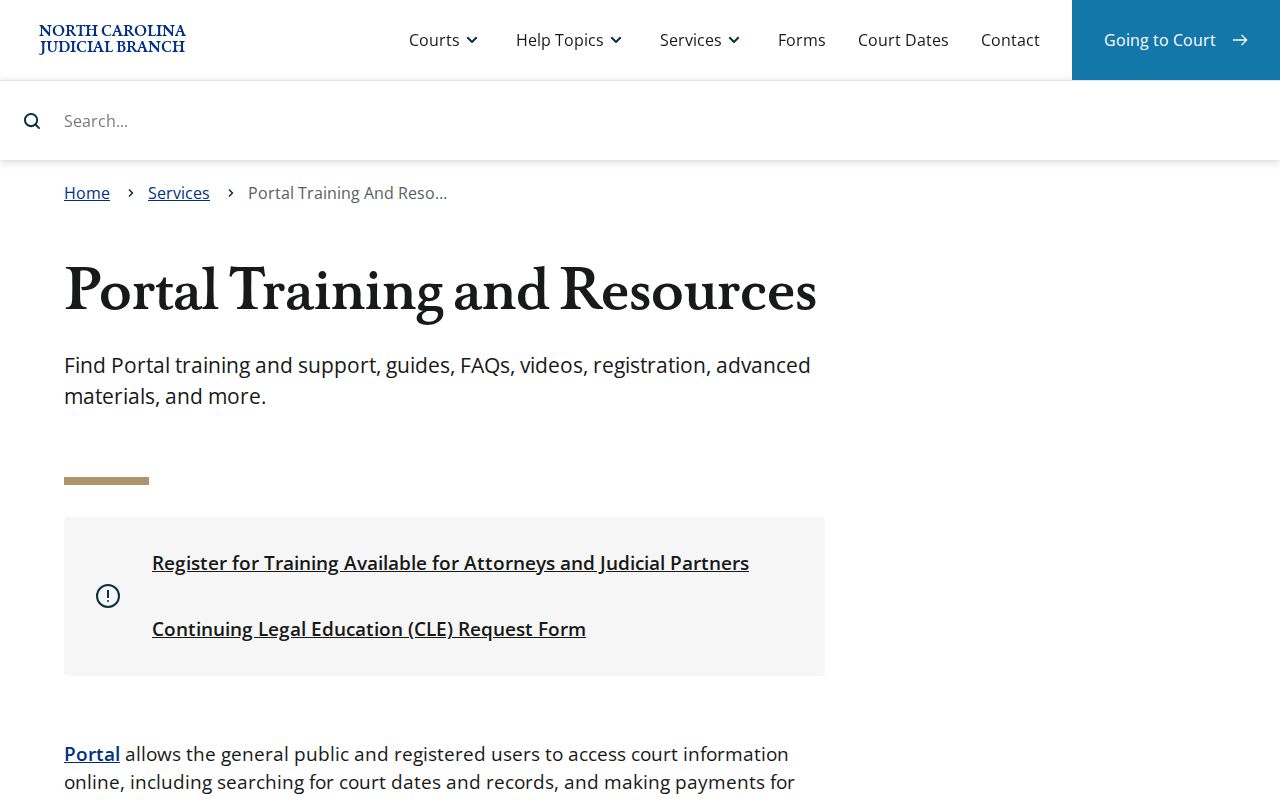
A public case timeline for Hyde County is helpful for tracking what has happened. Still, only the clerk where the case began can produce an official copy of the court record.
Hyde County vs Statewide Case Search
Hyde County has no separate county-only online database. The official public route runs through the statewide Portal. That Portal covers public case information for participating North Carolina counties, Hyde among them. So the county-level fallback is not a second portal at all. It is the Hyde Clerk's counter, the public terminal, and the local court file. Use the Portal to find a public case. Then turn to the clerk when you need the official file, certified copies, or hands-on help with a search that came up empty.
| Statewide Portal | Hyde County clerk route |
|---|---|
| Public Case Summary and Register of Actions for Hyde and other North Carolina cases. | Local case file, copies, certification, and in-person access for Hyde-filed matters. |
| Search by case number, party, business, citation, attorney, bar number, cross-reference, or nickname. | Ask about the public terminal or available paper file when an online result is incomplete. |
| Useful for a public online search; not the official court record. | Appropriate route for a clerk-rendered official copy or a certified item. |
Hyde Search Hearings Calendar
Two tools, two questions. Smart Search answers a case-summary question in Hyde County. Search Hearings answers a current scheduling one. The hearing tool searches by case number, party name, business name, attorney name, attorney bar number, judicial officer, courtroom, and date range. Its result gives a current Hyde County location and time. Keep one limit in mind: the tool does not say whether a hearing is virtual or in person. So confirm with the responsible court office before you plan to attend.
NC Judgment Search is another Portal function open to Hyde County users. Its index results can carry a case number, status, index date and time, parties, and comments. Smart Search still supplies the fuller Hyde County Case Summary. The smart move is to chain the tools. Find an index item or a current hearing first. Then open Smart Search for the public case detail.
Restricted Cases and Access Rules
Public Portal access for Hyde County cases has firm limits. North Carolina General Statute 7B-3000 keeps juvenile records from public inspection except for authorized access. A court may seal part of a juvenile record. Creating a Portal account does not unlock redacted material, expunged records, or other nonpublic Hyde County information. Note that the advanced filter labels Special Proceedings as nonconfidential. That is an access limit, not a promise that every special proceeding can be searched.
A missing Hyde County case can mean many things. It may be a search error, an older or restricted record, a public-access rule, or a record that only the local clerk can reach. It does not prove an outcome. When a file mixes public and confidential material, the public or redacted copy may be all a requester can inspect. If a specific access question arises, ask Hyde County Clerk which rule or order controls it. An authorized person should be the one to ask.
Hyde Clerk Case File Fallback
When a Portal search cannot answer the question, the Hyde Clerk of Superior Court is the local fallback. Call 252-926-4700. The clerk serves as the county counter for Superior Court, District Court, estate, and special-proceeding case files. The official Hyde County court location page identifies the local court route. The Hyde County contact directory supplies the clerk-office contact. At the courthouse at 40 Oyster Creek Road in Swan Quarter, a visitor can ask about the public self-service terminal or the file itself. Statewide guidance supports terminal searches for criminal, civil, special-proceeding, and estate information. It does not document what a particular Hyde terminal offers or where it sits.
One caution on request routes: a Judicial Branch public-record request covers existing NCAOC administrative records, not a Hyde County court case file. The North Carolina remote public access program explains the public-access context behind the Hyde County case lookup fallback.
Need an official copy, a certification, or a document behind a Case Summary? Ask Hyde Clerk for it. The Portal is a research aid, not the official record of the court.