
Getting Hyde County Court Records
The Clerk of Superior Court keeps the records for cases filed in Hyde County. Know exactly what you want before you call or visit. The choices include a public Case Summary, a filed document, a certified copy, an exemplification, hearing audio, or a transcript. Each one is a different request. Portal helps you find public events, but it is not the official court record. A thin online result can still lead to a real Hyde County file. The clerk can review or copy that file for you.
The state's North Carolina court-record guidance sends requesters to the clerk in the county where the case sits. For Hyde County, the courthouse page lists the local physical and mailing channels. The contact directory gives the clerk-office route. Give the most exact party name, case number, and proceeding date you have. Those details help Hyde County staff pull the right court record. Otherwise you may get a similar case with a near-matching name.
- Search Portal for the Hyde County Case Summary or Register of Actions, then note the case number, division, and public event history.
- Visit the Hyde County clerk office or use the public self-service terminal there when a Portal result is incomplete, older, or lacks the filed court record needed.
- Call the Hyde County Clerk of Superior Court at 252-926-4700 to ask which public record channel fits the item before traveling or mailing a request.
- For a local mailed request, use the courthouse mailing address only after confirming the item, payment method, and request details with Hyde County Clerk; do not assume every file can be mailed.
- Use the NCAOC public-record request route only for existing Judicial Branch administrative records. It does not replace a Hyde County court-file request.
- For eligible nonconfidential hearing audio, submit AOC-G-114 with the case and proceeding details; confidential proceedings require the separate court-authorized route.
Note: Hyde County makes no promise that any particular terminal shows document images, so ask the clerk what can be viewed or copied.
Hyde County Portal Case Summary
A Portal result is the quickest way to find public case information in Hyde County. The Case Summary and Register of Actions may list basic case data. Case events, hearings, dispositions, and financial information may appear too, when available. Portal calls this near-real-time public information. It is not the official court record. That gap matters when you need a filed order, a complete pleading, or something with the clerk's certification.
Write down the Hyde County case number, court division, and event date before you contact the clerk. Registering a public account lets you save cases. It does not unlock restricted information. And if a Case Summary section is missing, that proves nothing. The underlying Hyde County court record may still exist. The clerk is still the route to the file and to official copies.
The state's records page explains the clerk and terminal options that come after an online search. The official Portal entry point appears below as a Hyde County court record search source.
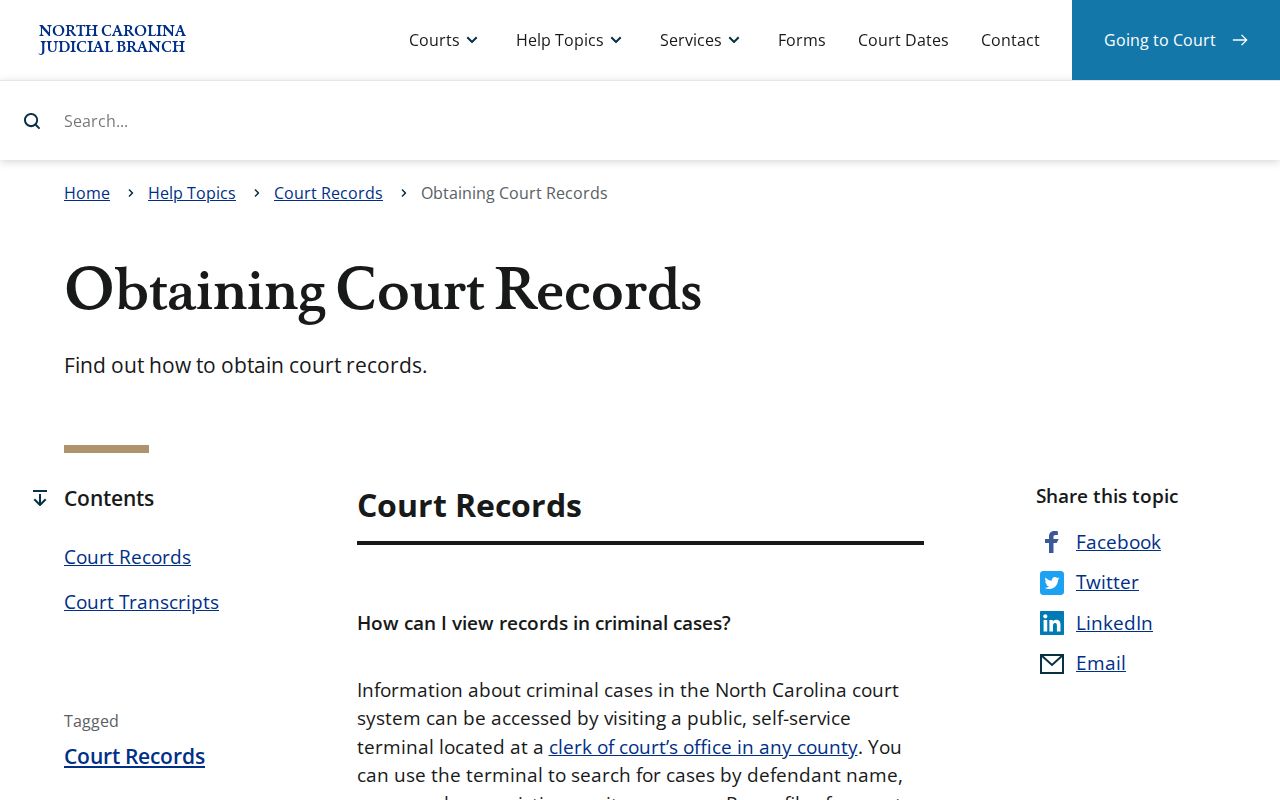
That state resource backs the practical order of things in Hyde County: find the public case first, then ask the clerk for the filed or certified court record when the screen is not enough.
Court Record Types
Not every court record in Hyde County is the same kind of material. A public docket-style summary lists activity. The case file holds the documents behind that activity. A certified copy adds the clerk's certification or seal. Naming the type up front keeps you from asking Hyde County for a vague "docket sheet" when what you truly need is a judgment, a motion, estate papers, an order, or audio.
- Case Summary or Register of Actions: Portal’s public chronology of available Hyde County case information and events.
- Filed document or case file: a complaint, motion, order, judgment, estate paper, or other record held through Hyde County Clerk.
- Plain clerk-prepared copy: an ordinary copy of a public Hyde County document, priced under the available state chart.
- Certified copy: a Hyde County copy issued with the appropriate clerk certificate under seal.
- Hearing audio or transcript: separate products with separate rules; neither should be assumed to be a standard court-file copy.
The statewide clerk terminal channel covers criminal, civil, special-proceeding, and estate searches for Hyde County. That range makes it handy for narrowing down the file before you ask the clerk for a particular public court record.
Hyde County Filed Document Counter
The Hyde County counter is where you reach the underlying filed document. The Clerk of Superior Court sits at 40 Oyster Creek Road, Swan Quarter, NC 27885, with courthouse mail at PO Box 337, Swan Quarter, NC 27885. Published weekday hours run 8:30 a.m. to 5:00 p.m. One unified clerk structure handles local court record custody in Hyde County.
Bring the Hyde County case number if you can. Without it, offer a party name, a division, and an approximate date. When an order or judgment shows as a Portal event but has no public image, a clerk copy may be the best route. The official local references are the courthouse page and the contact directory.
Hyde County Clerk of Superior Court
40 Oyster Creek Road
Swan Quarter, NC 27885
252-926-4700
North Carolina's official File & Serve entry point appears below. It is an e-filing service, not a stand-in for a Hyde County court record request or a clerk-certified copy.
For a Hyde County filed document already inside a case, use the clerk route rather than treating the filing system as a public document library.
Inside a Hyde County Court Record
A Hyde County court record can blend identifiers, filings, rulings, and event information. What is public varies by case type and access rule. Portal can point you to the case and its chronology, but a filed paper or electronic document carries its own text and attachments. Financial information may appear too, when the public case summary has that section available. Never read a public index entry as the full court file.
| Case number | The identifier used to locate the Hyde County case in Portal, at the terminal, and with the clerk. |
|---|---|
| Case Summary | Available basic case information and public sections displayed by Portal. |
| Register of Actions | The Hyde County event chronology, including filings, settings, and dispositions when available. |
| Filed documents | Pleadings, motions, orders, judgments, and other items kept in the local court file if public. |
| Certification | A separate clerk action that can authenticate a Hyde County copy under seal. |
Federal proceedings sit apart from Hyde County state court records. The Eastern District of North Carolina source below marks that boundary. A federal docket does not replace the Hyde County clerk file.
A case filed in Hyde County General Court of Justice stays with the local clerk. Even a reader also tracking a separate federal matter still makes this one a local record request.
Hyde County Court Record Forms
The NCAOC public-record request form covers existing Judicial Branch administrative records only. It does not ask anyone to create or compile anything. The form itself says NCAOC is not the custodian of court documents or case information. For a complaint, judgment, docket entry, or any other local filing, the Hyde County Clerk is the right office to contact.
The form still has a narrow use. It fits when NCAOC actually holds an existing administrative record. It is not a workaround for a Hyde County restriction. And it cannot make a nonpublic case file public. State public-record principles allow inspection at reasonable times. They also allow copies as promptly as possible, and redaction of confidential material before the public part is produced.
The official NCAOC request page spells this out plainly. Its wording keeps a Hyde County court record request from going to an agency that lacks custody of the local file.
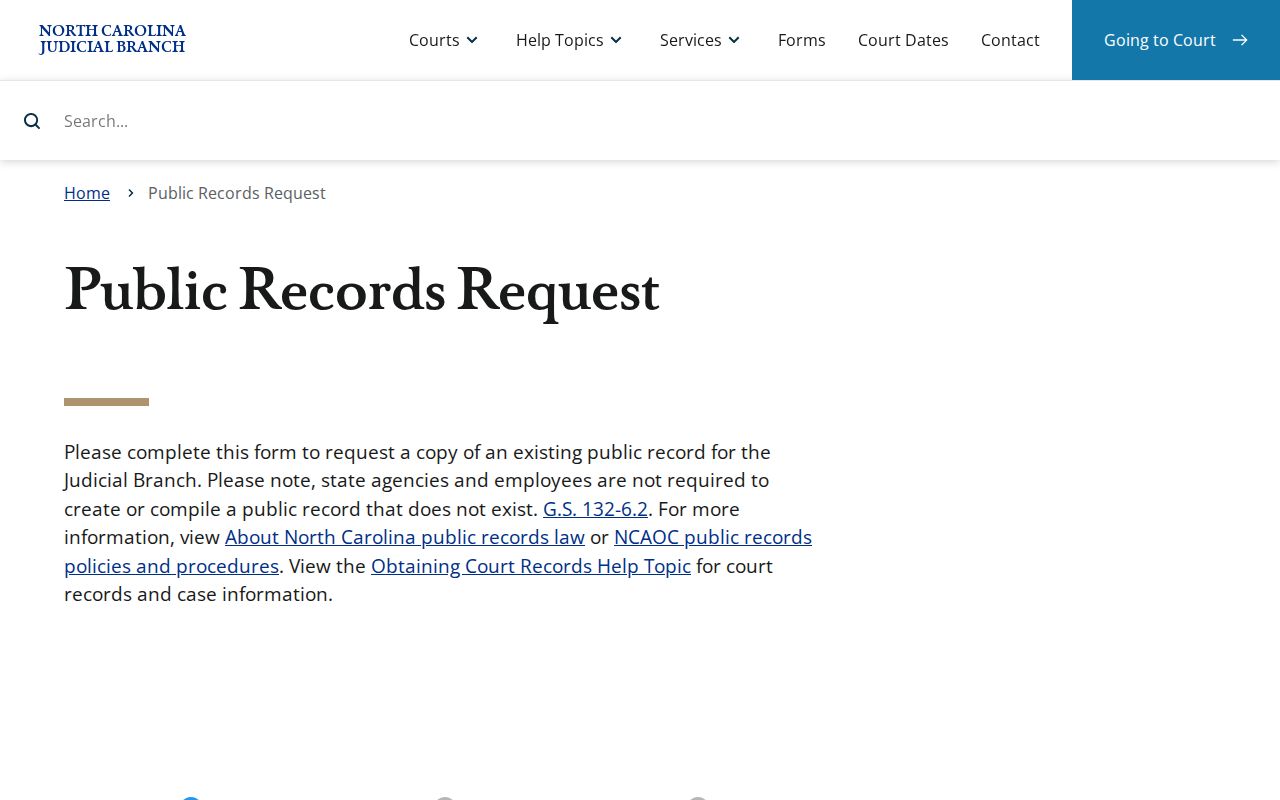
For a paper filed in a Hyde County case, the local clerk holds custody. The NCAOC administrative form is not the channel for that document.
Fees and Certified Copies
Hyde County offers plain copies and certified copies for different purposes. A plain copy is simply the clerk-prepared paper copy. A certified Hyde County copy carries the clerk's certificate under seal, which is a separate charge under the state cost chart. An exemplification is yet another distinct step in authentication. Confirm the current schedule and the exact total before ordering, since the official chart is effective January 1, 2025.
| Hyde County record item | Available state-chart amount |
|---|---|
| First page of each document prepared by the clerk | $2.00 |
| Each additional page or fraction | $0.25 |
| Certificate under seal | $3.00 |
| Exemplification | $10.00 |
| Standalone docket-sheet or search fee | [fee not located in official sources] |
The statewide miscellaneous-cost chart supplies these figures. Hyde County Clerk can confirm whether the chart is still current and which charges apply to a given court record.
Hyde County Hearing Records
Hearing audio is not the same thing as a Hyde County court-file copy. Form AOC-G-114 requests a nonconfidential electronically recorded hearing, and only when audio actually exists. The form asks for the county and court division. It also needs the case name and file number, proceeding date, presiding judge or clerk, courtroom, request date, and requester contact information. Delivery can go through LiquidFiles, a time-limited emailed download, or blank media. Blank media costs the actual blank-media cost. Payment must be cash, certified check, or money order. Pay it to the Clerk of Superior Court. No personal checks.
The AOC-G-114 form does not work for juvenile or other confidential hearings. Those requests go through the court-authorized AOC-G-115 route instead. Not every proceeding gets recorded. A transcript is separate from the Hyde County clerk process. Official court reporters and transcriptionists set transcript rates on their own. When asking for audio, name the exact Hyde County proceeding. Do not assume every docket event has a recording.
Note: A Hyde County transcript can require a different provider and fee. The clerk can still hand over a public copy of another court record.
Sealed Records and Public Access
Hyde County court records are public only as far as state law allows. Court orders set limits too. North Carolina makes clerk files public subject to restrictions. Public-record law permits inspection without stating a purpose, and confidential portions must be redacted before the public portion is produced. A given court record may be sealed, restricted, or confidential because of case type or a court order. Juvenile records call for particular care. Do not presume they are available at the counter or through Portal.
Key Rules:
G.S. 7A-109 makes clerk files public unless a restriction applies.
G.S. 132-6 addresses public inspection, copies, and production after redaction of confidential material.
G.S. 1-72.1 provides a civil sealing process, and G.S. 7B-3000 protects juvenile records from ordinary public access.
Ask Hyde County Clerk whether a specific court record is public. Ask whether a redacted copy can be produced. A Portal entry does not override a sealed document, and requesting a certified copy does not lift a restriction.
Hyde County Court Record Exemplification
An exemplification is not the ordinary certificate under seal. The state cost chart lists it separately at $10.00. That sits on top of the clerk-prepared copy charges. Tell Hyde County Clerk exactly what you need. Plain copy, certificate under seal, or exemplification. That wording lets the office identify the right process and current total before work begins.
Hyde County publishes no stand-alone docket-sheet price or separate local search fee. Describe the document and give the case number. Ask for confirmation instead of attaching an invented price to a Portal screen. The same care applies to mailed requests. The clerk can first confirm availability and certification.