
Hyde County Court Calendars Explained
Hyde County offers three routes to a scheduled setting. Civil Calendars and Criminal Calendars sit on the state calendar host. The Portal route opens Search Hearings. That is the official tool for a current Hyde County hearing location and time. Treat none of these as the full case history. A hearing result answers a scheduling question. The Case Summary carries the wider sequence of events.
That distinction is practical. A Hyde County calendar shows the next listed event. Earlier matters live in the Hyde County Case Events history. Use the calendar as a scheduling snapshot. Use the case record to see what came before it. The court-date service and the calendar links are different entry points. Begin with whatever information you already hold. If a date carries real consequences, the responsible court office remains the last check.
The Hyde Civil and Criminal Calendar Links
The official Hyde County location page lists the civil and criminal calendar links. It also lists the Portal court-date route. The state calendar host suits a Hyde County user who wants the published calendar view. It works instead of a case-by-case search. Civil and criminal calendars complement each other; neither proves a setting still stands as listed.
North Carolina’s calendar service hosts the calendar view shown for Hyde County.
North Carolina’s calendar service is the host behind this Hyde County court calendar view.
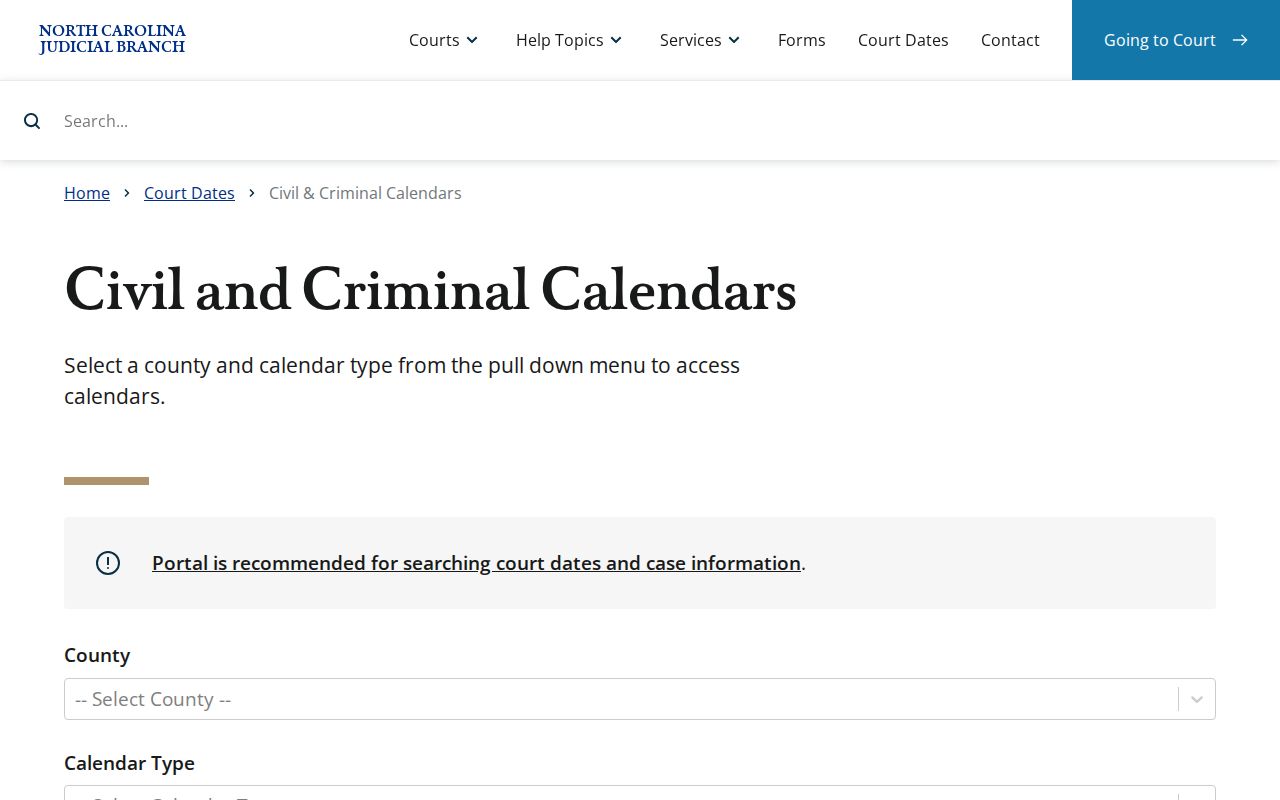
Check the calendar result against your newest notice or case information. That matters most when names are similar or multiple settings appear for one Hyde County case.
Finding Your Court Date
Gather your latest notice, citation, or case number first. Hyde County documents four access channels, online and in person. A Hyde County case number is often the cleanest Portal search term, though party, business, attorney, judicial-officer, courtroom, and date-range criteria can also work in a hearing search. Take case-file questions to the Hyde County clerk. The court office handling a setting can confirm it directly.
- Use the North Carolina eCourts Portal and choose Search Hearings for the current location and time.
- Check the Hyde County civil or criminal calendar when a published calendar view is needed.
- Call Hyde County Clerk at 252-926-4700 for clerical routing, or use the clerk counter when online search does not resolve the date.
- At the Swan Quarter courthouse, ask the clerk about public-terminal or file access for a Hyde County case.
A Hyde County Case Summary holds the event history behind a current result. For the full chronology and other public fields, use the Hyde County case lookup once you have the hearing.
Hyde Search Hearings Limits
Search Hearings is the best-documented official source. It gives a current Hyde County hearing location and time. Its search criteria cover case number, party or business name, attorney or bar number, judicial officer, courtroom, and a Date From and Date To range. The date inputs narrow a Hyde County hearing search. The Portal's live controls can change. Trust only the labels visible in the current tool.
A Hyde County result will not say whether the hearing is virtual or in person. A remote appearance, where one exists, comes through an outside Portal link. Before relying on a screen for attendance format, call the court office. Sorting a Search Hearings call list tidies the display. But it does not fix the order in which the court actually calls matters.
The North Carolina eCourts services page names the official online service family. That family backs this Hyde court-date route.
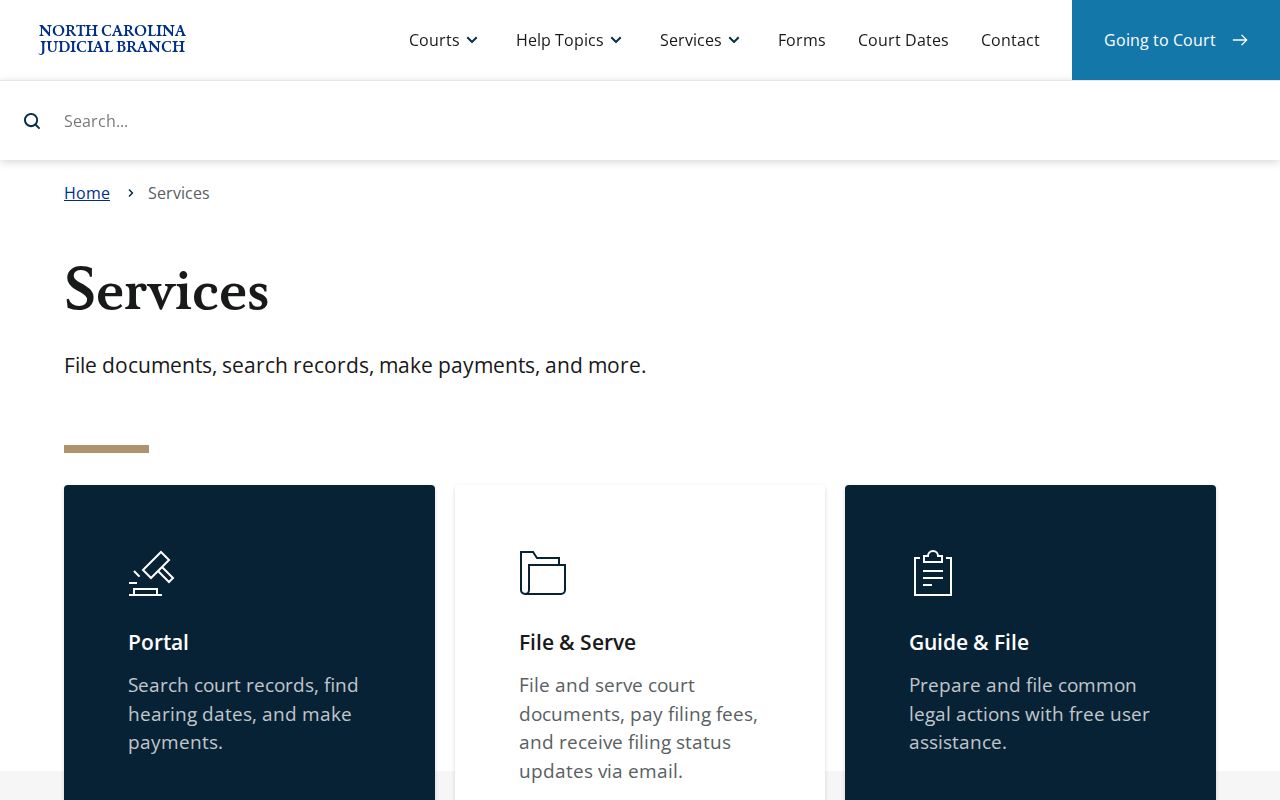
The eCourts route is good for a live scheduling result. When format or status is uncertain, it never replaces confirmation with the court.
How to Read a Court Setting
Read a Hyde County setting as a set of fields. It is not a promise that every detail is online. Search Hearings provides current Hyde County location and time, expressly. Judicial officer and courtroom work as search criteria that narrow a result. A hearing describes one listed court event. Case Events and Dispositions sit in separate parts of the Case Summary. Old events are useful history. They do not prove a later hearing was cancelled or that a case ended.
| Date | The scheduled calendar date shown for the current hearing result. |
|---|---|
| Time | The current time returned by Search Hearings; confirm it if the setting is important. |
| Location | The hearing location returned by Search Hearings, which may need a court-office check. |
| Judicial officer | A documented hearing-search criterion, not a guarantee of a particular judge at every setting. |
| Setting type | Read the current hearing with Case Events and Dispositions instead of assigning an unsupported local label. |
Always pair the newest Hyde County setting with the case history. If the location, time, or next event stays unclear, confirm it with the Hyde County court office before you appear.
Hyde Case Events Versus Calendar
Two different tools, two different jobs. A Hyde County Case Summary from Smart Search pulls together whatever the file holds. Those sections include Case Information, Assignment Information, parties, causes of action, Case Events, Hearings, Dispositions, and Financial Information. The Register of Actions is simply the Case Events list in order. Remember that the Portal shows only sections with data. A missing section tells you nothing about the case.
A Hyde County court calendar works differently. It centers on the current setting. That means case history can still show an older hearing. It can do so even after a newer one takes its place. Before assuming a reset, dismissal, trial date, or transfer, compare the newest hearing entry against the newest event entry. If the calendar and the history clash, call the court office. Pick the date that looks convenient and you may pick wrong.
Continuances, Resets, and Cancellations
Civil settings in Hyde County Superior Court follow local rules. Those rules do not reach every District Court or traffic matter. The Second Judicial District’s civil rules took effect June 15, 2026. Trial and motion calendars appear through Portal. Final Hyde County versions post no later than four weeks before the first court day. Tentative and administrative calendars never get published. A prior setting alone does not show a continuance was granted. Read each docket entry with care.
Continuance requests in those civil Superior Court cases must be in writing on form AOC-CV-221. Before court opens, the senior resident judge or a designee rules on it. After court opens, the presiding judge takes over. Remote or hybrid hearing requests use AOC-G-164 and are decided case by case. The rules treat continuances as presumptively disfavored. Filing a request does not change your court date by itself.
The Second Judicial District civil plan spells out these Superior Court procedures for Hyde County. After any request or notice, confirm the newest Portal result. Then follow the court office’s direction.
Hyde Court Date Contacts
Which office you call depends on the setting. For clerk-held case and copy questions, the Hyde Clerk of Superior Court is the local route. That office is 252-926-4700. The Superior Court Judges office is 252-940-4016. The District Court Judges office is 252-940-4012. These directory lines point you to the right office level, though a coordinator there may not be able to change a date or give legal advice.
A docket search online may come up empty. Then go to the courthouse at 40 Oyster Creek Road in Swan Quarter. Published weekday hours run 8:30 a.m. to 5:00 p.m. Ask the clerk about public-terminal or file access rather than assuming a particular terminal feature. The Hyde County contact directory lists the clerk and judge-office contacts behind these numbers.
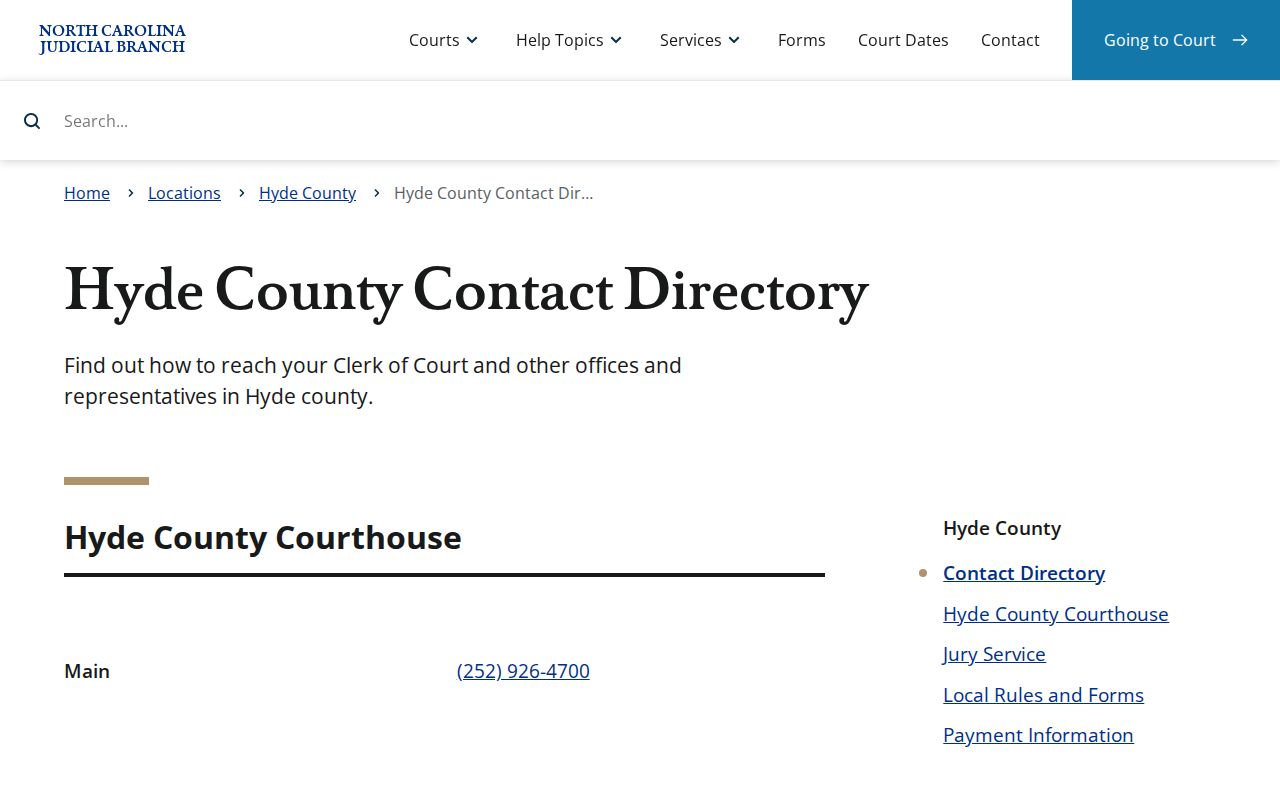
Calling the right Hyde County office first can settle a court date question fast. A general clerk call never substitutes for a court’s own setting decision.
If You Miss a Court Setting
Missed a Hyde County court setting? Act promptly. Keep your notice or case number handy, check Search Hearings for Hyde County and the newest Case Events entry, then call the office that holds the setting. The Hyde County Clerk can help with case routing and access questions, though a clerk cannot give legal advice. If you have an attorney, contact that attorney immediately. Ask about the next step and any request that may be needed.
Missed a Setting? A missed court date can lead to serious consequences, including a failure to appear, a bench warrant, or bond action depending on the matter.
Contact the responsible Hyde court office or Hyde Clerk promptly to confirm the current status and any next setting.
Consult a licensed attorney about a missed Hyde County setting before taking action in court.
How to Confirm a Changed Hyde Hearing
Confirming a changed Hyde County hearing takes three quick steps. Start with Search Hearings for Hyde County, which shows the current time and place. Then pull up the Hyde County Case Summary. Read both the Hearings tab and the Case Events tab, since a calendar snapshot can lag behind what the case history shows. Do the two views disagree? Or are you unsure whether you must appear in person? Then call the Superior or District court office. The staff there can settle the question in a minute.
One more caution. A prior Hyde County setting, a printed calendar, or a payment receipt does not override the latest docket entry. Those papers are history, not the schedule. When you need something official in writing, go to the Hyde County Clerk of Superior Court. That includes a certified copy for another office. That is the line between a quick scheduling search and the actual court record.